Opening and Configuring a FMECA
Opening a FMECA Study
|
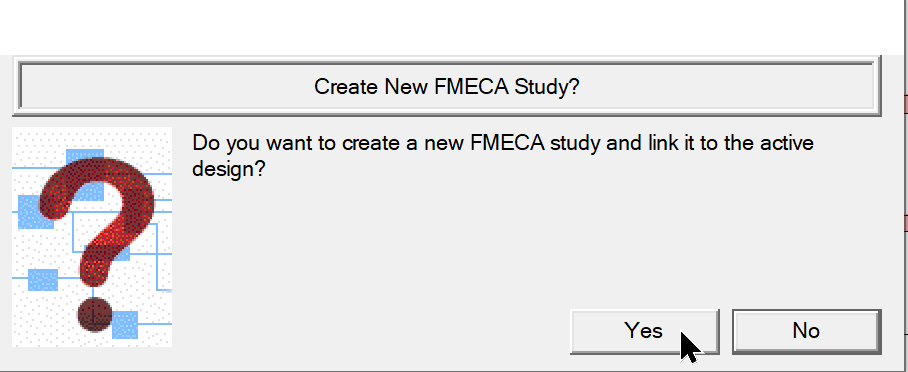
Select FMECA ICON from model design window shown below to open Window at right and choose "Yes"
|
|
OR in Diagnostics
|
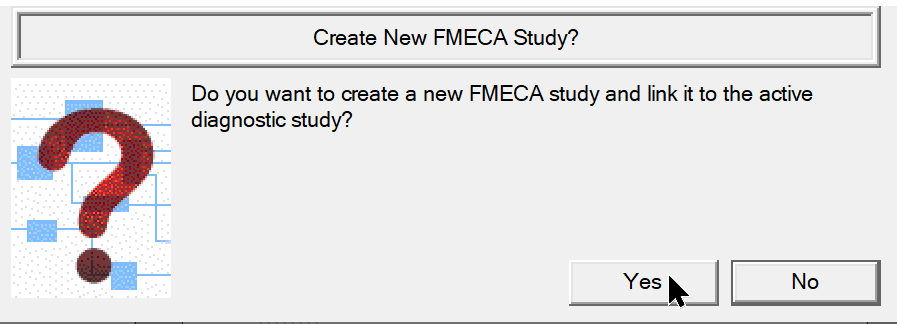
Select FMECA ICON from Diagnostic window shown below to open Window at right and choose "Yes"
"Save Diagnostics before opening FMECA if diagnostic analysis detection results are wanted in FMECA"
|
|
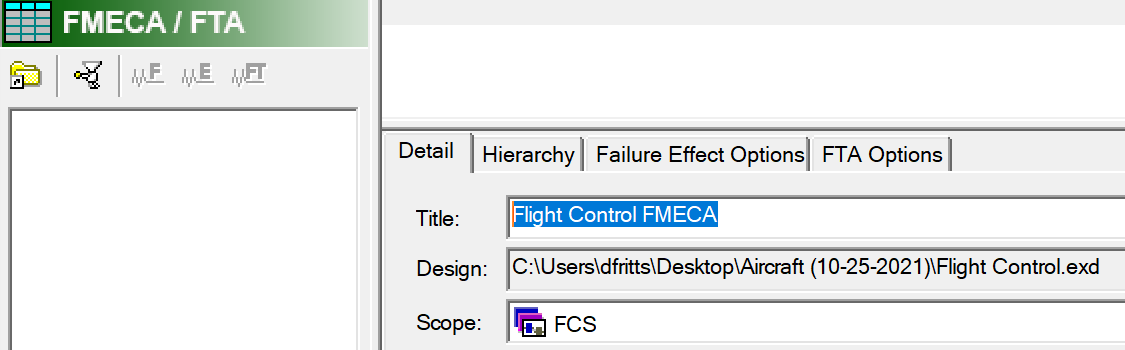
FMECA Context Panel "Details" Setup:
|
Name The FMECA Title as shown here
|
|
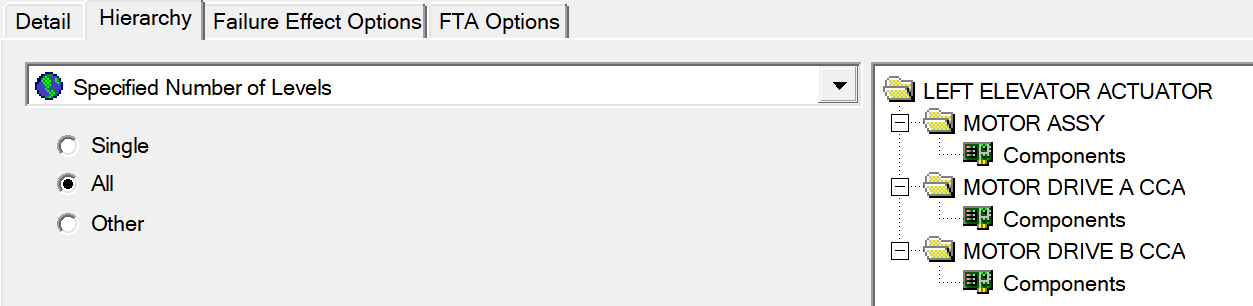
FMECA Context Panel "Hierarchy" Setup:
|
Set up the Hierarchy Level
Usually "All"
|
|
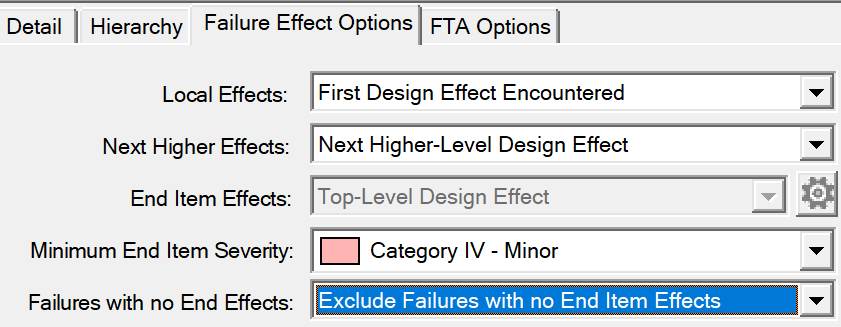
FMECA Context Panel "Failure Effect Options" Setup:
|
Most FMECA's require no changes in this panel.
|
|