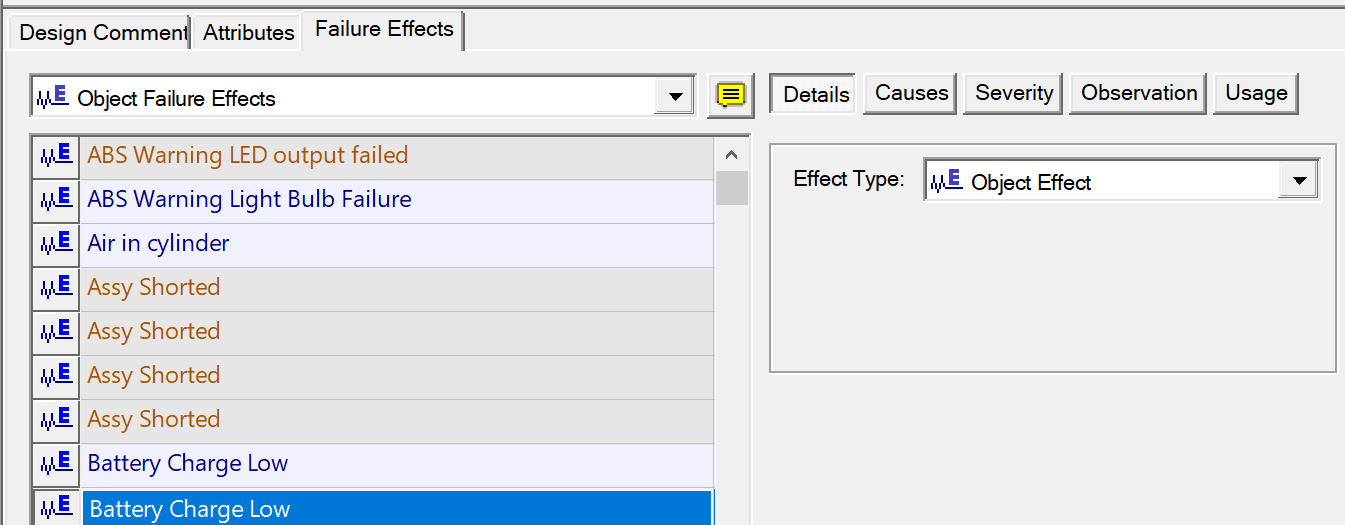
Changing Dynamic Effect type to Object Effect
Feature Description
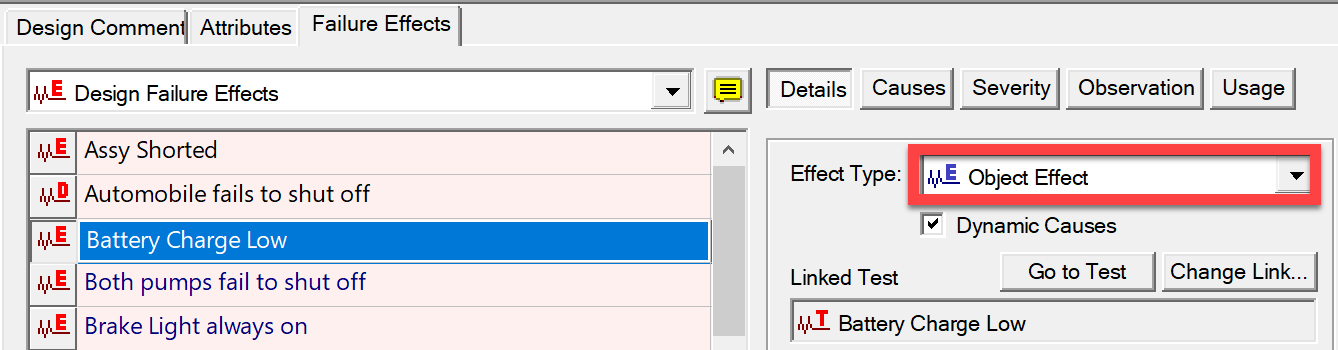
When you convert a design or intermediate effect into an "object effect", a dialog will appear so that you can select the object for that effect.
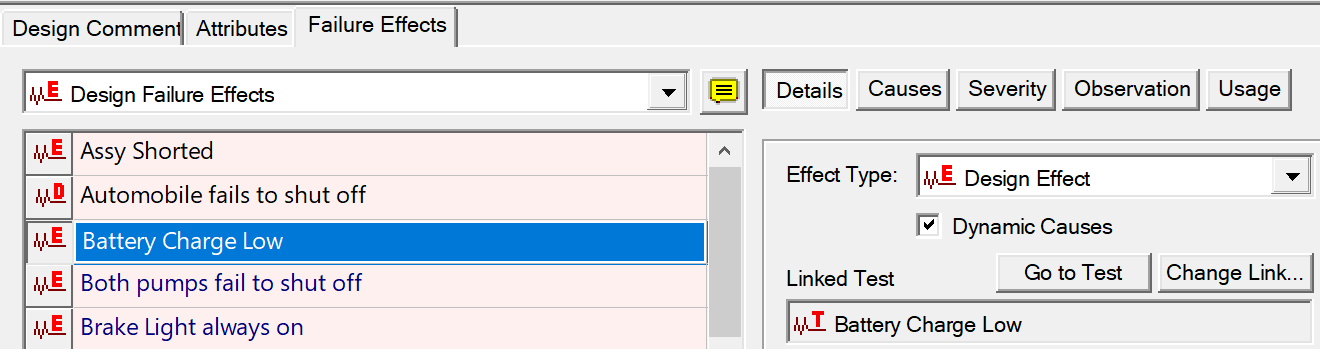
Original Dynamic Effect
Changed to Object Effect
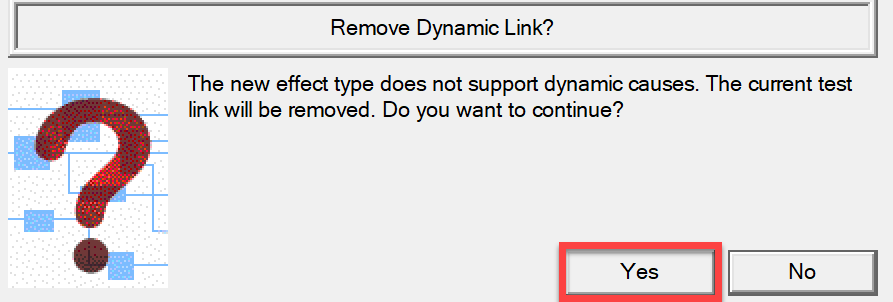
Opens a warning if applicable and allows the Object effect to be selected as shown below
|
This warning will appear if the selected effect does not support dynamic causes.
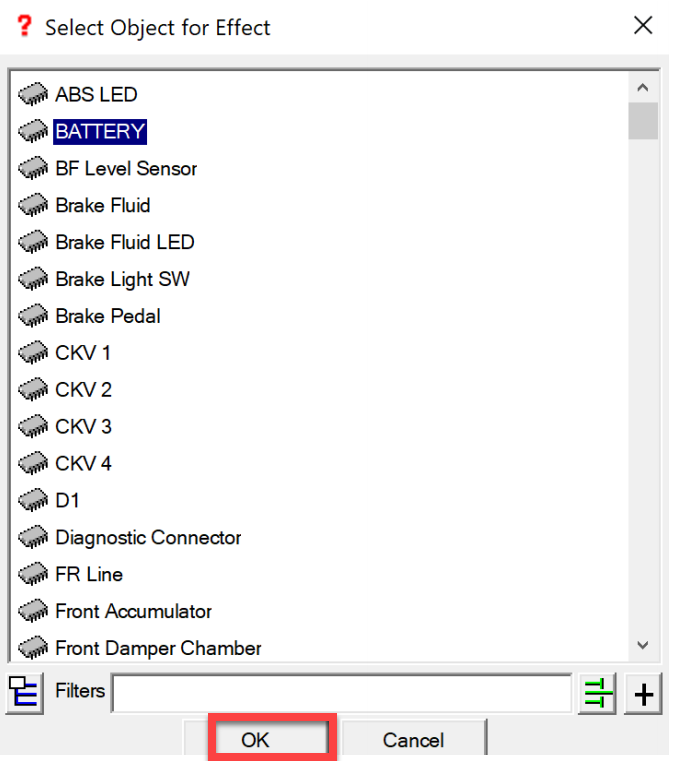
Select the Object cause as shown to the right and select OK
|
|
Resulting Effect no longer linked to a test (Link has automatically been removed)
And Effect Details panel no longer shows Dynamic Effect Checkbox